
1. 🔴 Code Red: Correctly Disabling 'People Nearby'
Let's start with the elephant in the room. The Telegram "People Nearby" feature is a privacy nightmare waiting to happen. Even if you haven't explicitly turned it on, having the permission active at the OS level is a risk in 2026.
How to Kill It Completely (2 Steps)
Step 1: Inside Telegram
Open Telegram, go to Contacts > Find People Nearby. Ensure the option says "Make Myself Visible". If it says "Stop Showing Me," click that immediately. You do not want to be broadcasting.
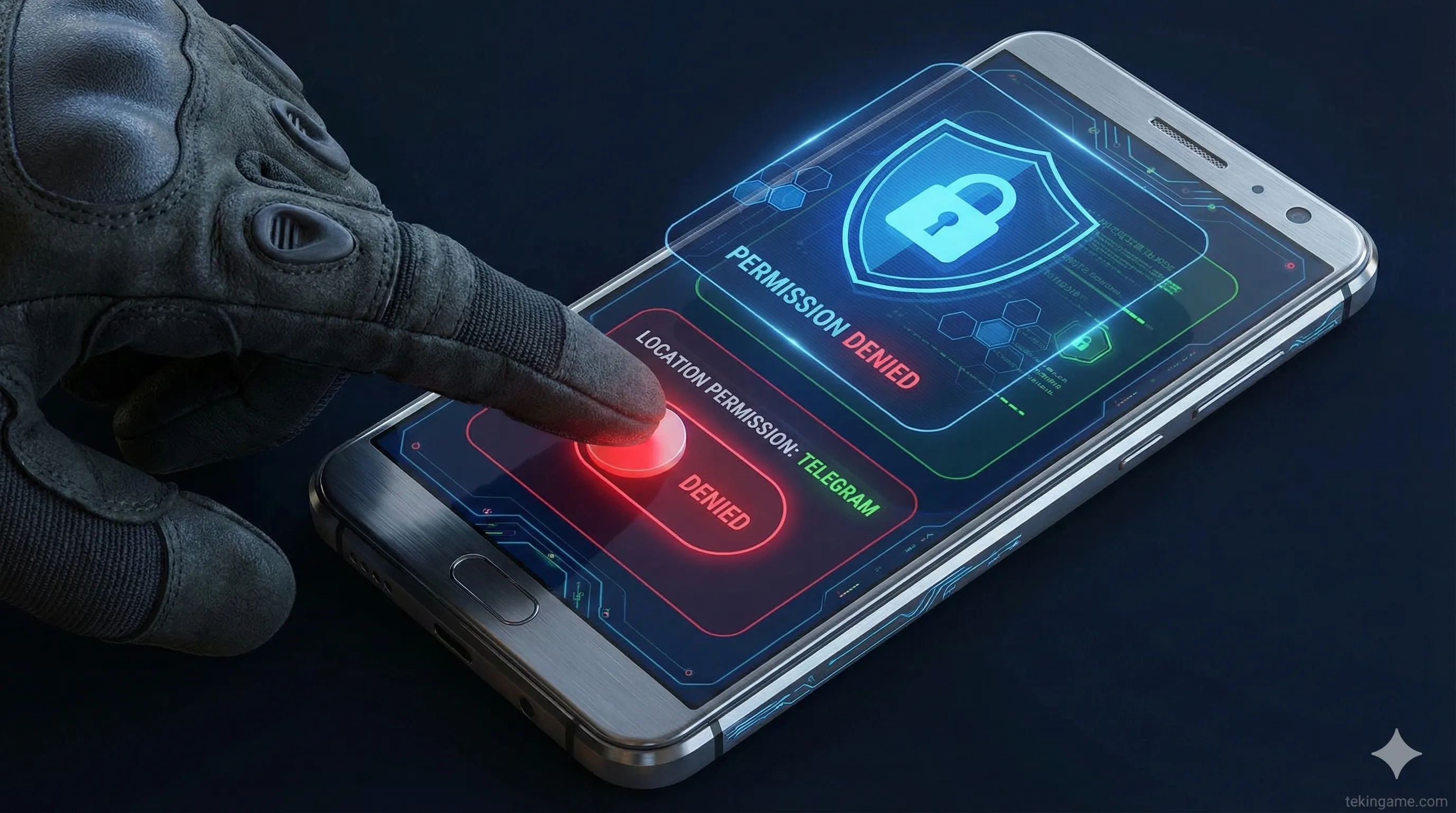
Step 2: The System Kill Switch (Crucial!)
This is where most users fail. You must revoke the app's right to ask the GPS chip for coordinates.
- On Android: Go to Settings > Apps > Telegram > Permissions > Location. Set this to "Don't Allow". Telegram does not need your location to send text messages!
- On iOS: Go to Settings > Telegram > Location. Set this to "Never".
2. 🛡️ The Invisible Shield: WhatsApp 'Protect IP in Calls'
Here is a scary fact: Standard VoIP calls (like WhatsApp) are often "Peer-to-Peer" (P2P). This connects your phone directly to the other person's phone for high quality. The downside? They can see your IP address.
The 2026 Solution:
WhatsApp recently added a relay feature that tunnels your call through their servers, masking your identity.
- Open WhatsApp and go to Settings.
- Tap on Privacy.
- Scroll down to the bottom and tap Advanced.
- Toggle ON the switch for Protect IP address in calls.
3. 🔑 Death of the Password: Enabling Passkeys
📚 Classified & Related Dossiers in TekinGame
If you wish to explore beyond this report and delve into cybernetic frontiers and autonomous AI architectures, do not miss these three exclusive deep-dives in the Tekin Garage:
The biggest threat in recent years has been "SIM Swapping"—where hackers steal your phone number to intercept your SMS login codes. In 2026, we do not trust SMS. We trust Biometrics.

What is a Passkey?
A Passkey replaces the SMS code with your face (FaceID) or fingerprint. It is stored locally on your device and cannot be phished.
How to Activate:
- WhatsApp: Go to Settings > Account > Passkeys and tap "Create Passkey." It will link to your Google or Apple account.
- Telegram: (New Update) Go to Settings > Privacy and Security > Passkeys. Enable biometric authentication.
4. 📞 Telegram Privacy: Plugging the P2P Leak
Just like WhatsApp, Telegram calls can leak your IP address if not configured correctly. Telegram gives you granular control over this.
The Recommended Setting:
- Go to Telegram Settings > Privacy and Security.
- Tap on Calls.
- Look for the Peer-to-Peer section.
- Change it from "Everybody" to "Nobody" (for maximum security) or "My Contacts" (for a balance).
Setting this to "Nobody" forces all calls through Telegram's encrypted relay servers. Your IP is safe.
5. 🚫 Absolute Silence: Silence Unknown Callers
A growing trend in cyberattacks is the "Zero-click exploit," which can sometimes trigger just by your phone ringing from a malicious number. Plus, spam calls are annoying. WhatsApp has a firewall for this.

How to Activate:
- In WhatsApp, go to Settings > Privacy > Calls.
- Turn ON the toggle for Silence Unknown Callers.
The Result: Calls from numbers not in your contacts will not ring your phone. They will appear silently in your "Calls" tab later. This drastically reduces your attack surface against random spam or malicious probing.
6. Inspector's Conclusion: Security is a Process
Commanders, applying these 5 settings takes less than 3 minutes, but it fundamentally hardens your device against the threats of 2026.

Hackers look for low-hanging fruit—users with "People Nearby" on, or users leaking their IP in calls. By following this guide, you remove yourself from the "Easy Target" list and become a fortress.
🛡️ Your Mission:
Apply these settings right now. Then, forward this article to 3 family members who you know have poor security habits.
Have you ever had a security scare on Telegram? Share your story in the comments so others can learn! 👇
🌐 Stay Connected With Us 🎮✨
For the latest tech, gaming, and gadget news, follow us on our official social media channels: