KEY TAKEAWAYS
- End-to-end local generation via the Apple Live AI framework and upgraded Neural Engine.
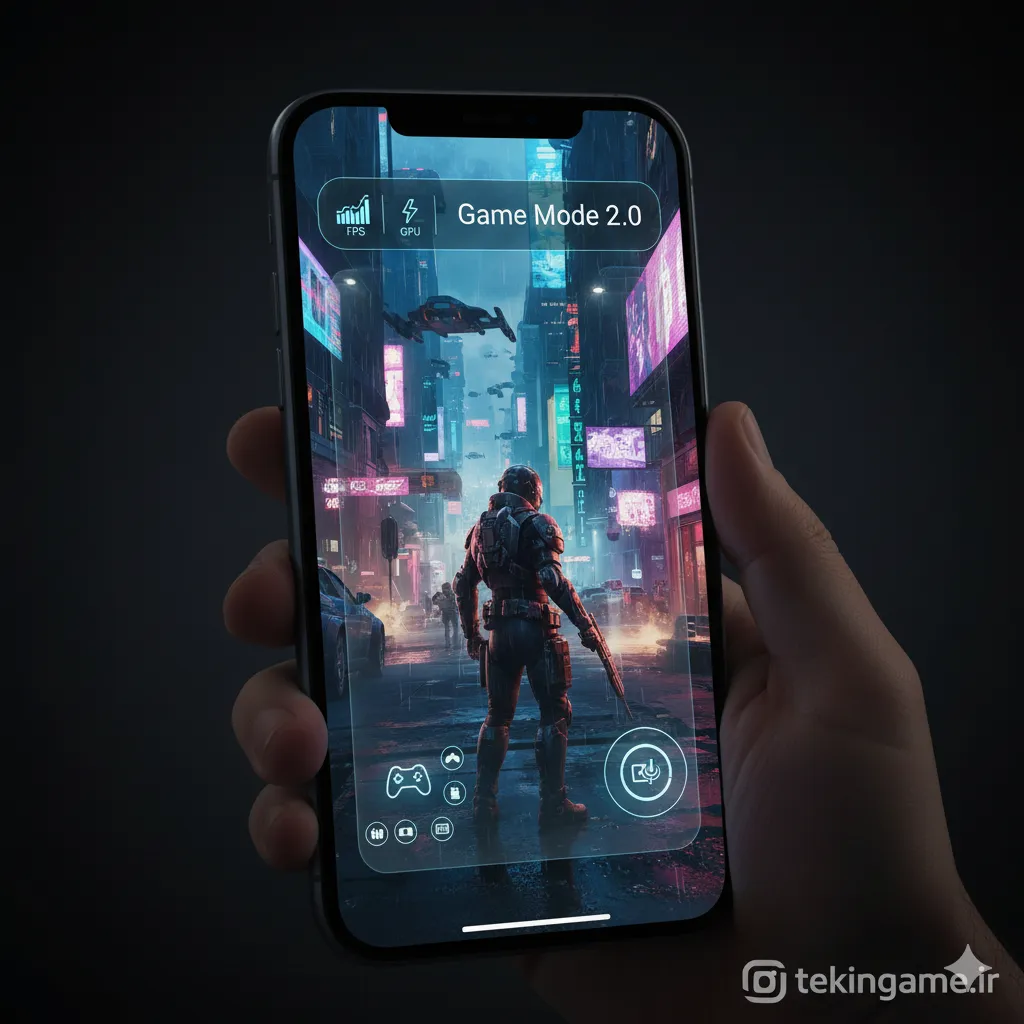
- Granular resource allocation, low-latency Bluetooth audio polling, and streaming capture via Game Mode 2.0.
- Unrestricted spatial app placement and system-level semantic theming in the Dynamic Home Screen.
- Direct-to-display real-time sensor overlays utilizing the native Camera AR engine.
- End-to-end local generation via the Apple Live AI framework and upgraded Neural Engine.
- Granular resource allocation, low-latency Bluetooth audio polling, and streaming capture via Game Mode 2.0.
- Unrestricted spatial app placement and system-level semantic theming in the Dynamic Home Screen.
- Direct-to-display real-time sensor overlays utilizing the native Camera AR engine.
With the commercial rollout of iOS 26, Apple has fundamentally restructured how hardware acceleration intersects with everyday interaction layers. By shifting focus toward autonomous system orchestration, on-device contextual cognition, and unthrottled graphical compute, the operating system positions the iPhone as both an enterprise-grade spatial computing terminal and a tier-one handheld gaming environment.
Firmware Deployment and Baseline System Preparation
Prior to staging the delta update, ensure your target hardware has maintained a full encrypted state backup via local host or cloud storage. Given the low-level kernel restructuring in iOS 26, device partitions require a baseline of approximately 14 GB of ephemeral storage to unpack the payload safely.
- Navigate to Settings > General > Software Update.
- Allow the cryptographic checksum to handshake with Apple's deployment servers.
- Select Download and Install under the iOS 26 distribution manifest, maintaining an active AC power connection to prevent thermal or voltage-induced interrupt states.
Deployment Advisory
Deployment Advisory: Firmware upgrades involving kernel-level scheduler updates trigger prolonged background indexing upon initial reboot. Battery telemetry and instantaneous benchmark scores will reflect minor transient degradation over the first 48 hours as Spotlight and the Neural Engine recompile local indices.
Live AI Architecture: On-Device Generative Pipelines
iOS 26 decentralizes reliance on cloud inference clusters by delegating contextual intelligence to the onboard Neural Engine. This pipeline drives two critical subsystems: procedural UI asset generation and deterministic behavioral prediction.
Procedural Generative Wallpapers
Apple integrates a native diffusion transformer into the display render pipeline, permitting localized high-resolution generation without data egress:
- Access Settings > Wallpaper and tap Add New Wallpaper.
- Select the Create with AI module within the prompt selector.
- Enter contextual or aesthetic constraints into the lexical prompt box (e.g., "A dense cyberpunk forest canopy in heavy rainfall, 4K depth mapping").
- Allow the local inference engine to generate diffusion passes, select the target render output, and confirm spatial parallax layers before applying.
Configuring the Proactive Suggestion Engine
The Proactive Engine analyzes local operational cycles to predict task requirements without scraping user data. To configure its behavioral boundaries, navigate to Settings > Siri & Live AI > Proactive Suggestions. Here, operators can define heuristic scope across process initiation, priority thread routing, and contextual application pre-caching.
Dynamic Home Screen: Advanced Grid and Shader Modification
The display compositor in iOS 26 dispenses with rigid alignment constraints, introducing arbitrary vector-based spatial layouts alongside coordinated runtime shading.
- Unconstrained Grid Layouts: Long-press any empty region of the SpringBoard to initialize Jiggle Mode. Application primitives and widgets can now be dragged to any coordinate along the invisible sub-grid, allowing negative space patterns and functional ergonomic grouping.
- Unified Chromatic Theming: While in layout configuration, invoke Edit Theme from the top-left contextual drawer. This parameter alters the SVG tint vectors, aligning app iconography, dynamic widgets, and status bar glyphs to a uniform photometric palette.
Computer Vision and Native AR View Integration

Augmented reality workflows are now decoupled from dedicated third-party wrappers, embedded directly inside the AVFoundation capture pipeline via the native Camera application.
- Initialize the Camera app in standard Photo capture mode.
- Toggle the volumetric AR Cube icon anchored in the viewfinder corner.
- Pan the LiDAR/optical array across the surrounding environment. Sensor fusion algorithms execute concurrent real-time geometry reconstruction, superimposing spatial anchors, municipal metadata, and dynamic depth fields directly over real-world objects.
Game Mode 2.0: Hardware Scheduling and Performance Tuning
Mobile esports and ray-traced AAA rendering require disciplined CPU/GPU frequency governance. Game Mode 2.0 decouples interactive rendering from background OS threads, minimizing frame-time variance (micro-stutter) and thermal saturation.
| Feature Metric | Game Mode 1.0 (Legacy) | Game Mode 2.0 (iOS 26) |
|---|---|---|
| Background Thread Suppression | Standard Process Suspension | Aggressive Kernel-Level Affinity Stripping |
| Controller Polling Frequency | 125 Hz Bluetooth Polling | Up to 1000 Hz Dynamic Bluetooth / USB-C Polling |
| Spatial Thermal Governor | Linear Step-down Throttling | Predictive Dynamic Frequency Scaling (DVFS) |
| Audio Latency Profile | Standard AAC Latency Buffer | Ultra-Low-Latency Bidirectional Audio Pipeline |
Configuring the Gaming Dashboard
- Launch any graphics-intensive native title built on the Metal API.
- Swipe down from the top-right display edge to reveal Control Center.
- Select the integrated Game Mode Dashboard tile.
- From the runtime overlay, operators can calibrate real-time GPU/CPU allocation profiles, enforce low-latency controller sampling rates, and route hardware-encoded video streams directly to external platforms without utilizing OS framebuffers.
By synchronizing localized neural networks with high-throughput graphics scheduling, iOS 26 consolidates consumer ergonomics and competitive hardware utility into a unified operating standard.
📚 Classified & Related Dossiers in TekinGame
If you wish to explore beyond this report and delve into cybernetic frontiers and autonomous AI architectures, do not miss these three exclusive deep-dives in the Tekin Garage:
- High replayability and emergent cooperative mechanics
- Seamless cross-platform matchmaking with low latency overhead
- Rich visual and audio atmosphere
- Occasional physics collision quirks under heavy load
- Minor difficulty spikes in late-stage encounters
Frequently Asked Questions
Does the generative Live AI wallpaper engine require an active cloud connection?
No. iOS 26 executes diffusion and image generation models locally via the hardware Neural Engine, maintaining complete functional autonomy and data privacy without external API handshakes.
How does Game Mode 2.0 optimize Bluetooth controller input latency?
Game Mode 2.0 doubles the polling interrupt frequency of the onboard Bluetooth controller driver, reducing input packet delay to near-imperceptible thresholds during high-framerate gameplay.
Can the Dynamic Home Screen theme apply to legacy, non-updated applications?
Yes. The OS compositor dynamically applies semantic color transforms and luminance clipping to legacy icon assets, ensuring consistent chromatic aesthetics across all third-party applications.
Does keeping AR View enabled impact continuous battery life?
AR View continuously drives both camera sensors and the LiDAR array concurrently with neural processing, producing a significant operational load; it should be used for directed scanning rather than sustained background tasks.
Are older hardware architectures eligible for the full iOS 26 feature set?
While iOS 26 deploys across multiple hardware generations, computational features like procedural AI generation and advanced Game Mode 2.0 profiles require the advanced silicon capabilities of modern Apple A-series and M-series processors.