Strategic Key Takeaways
- Cloud gaming on modern consoles demands consistent bandwidth over raw peak speeds, making jitter reduction critical.
- Implementing router QoS and utilizing wired Ethernet connections drastically minimizes input lag during active gameplay sessions.
- Display-side adjustments such as activating Game Mode on your television directly combat processing-induced visual delay.
The Evolution of Console Cloud Gaming in 2025
Cloud gaming has matured from an experimental novelty into a legitimate pillar of modern console ecosystems. Major platforms now stream high-fidelity titles directly to hardware without requiring local installation or heavy rendering overhead.
However, the fluid nature of streaming means that hardware performance is entirely bottlenecked by network fidelity. Understanding how to properly configure your home network is the single most important step for an optimal session.
Evaluating Service Availability and Ecosystem Compatibility
Before committing to any subscription tier, you must evaluate regional service availability and native console support. Different platforms handle backend encoding differently, which directly affects how your specific hardware processes incoming video feeds.
Always verify whether your preferred console supports high-refresh-rate streaming or specialized decoding codecs. Mismatching your hardware capabilities with the streaming provider often results in micro-stutters and dropped frames.
Network Infrastructure and Bandwidth Demands
A stable download speed of at least 25Mbps is required for a reliable 1080p stream, while 4K streaming demands upwards of 50Mbps. Raw speed, however, is secondary to the overall stability of your connection pipeline.
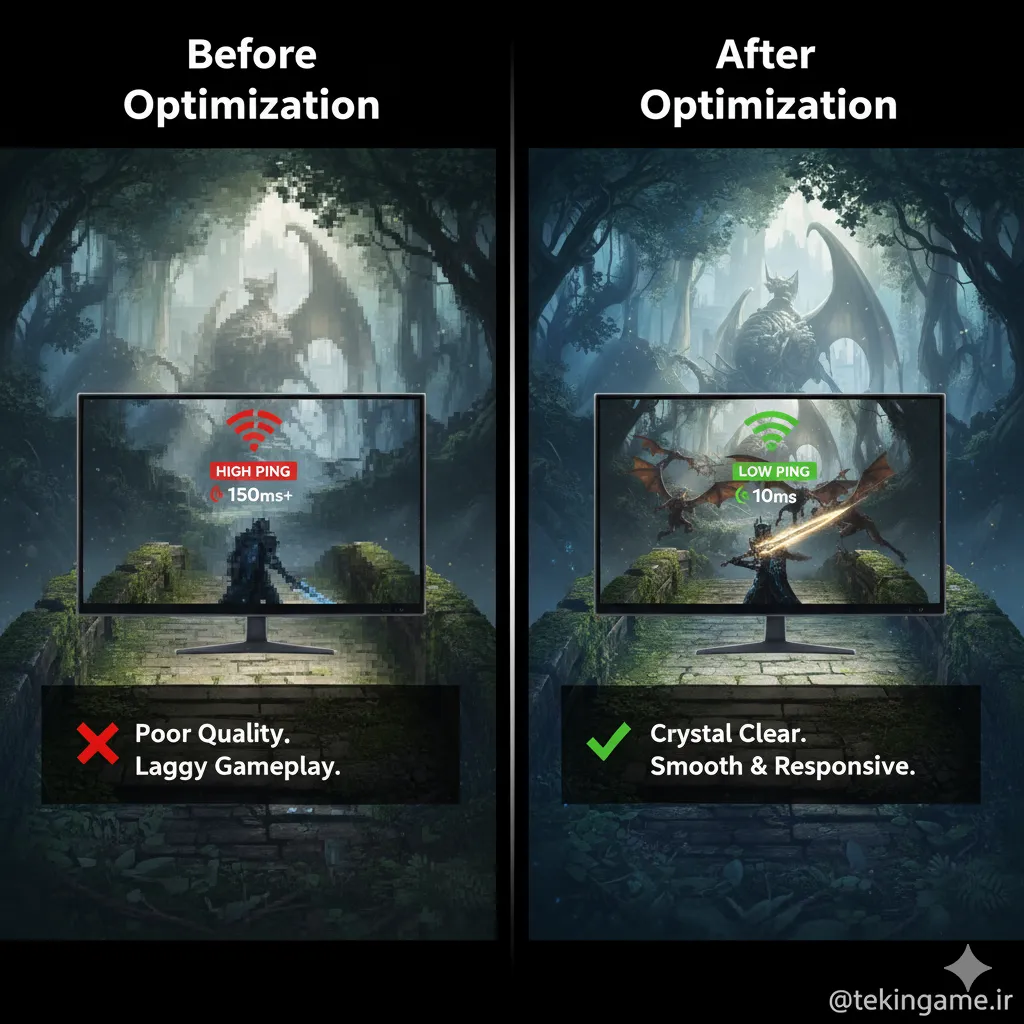
Packet loss and jitter are the primary enemies of cloud gaming, causing input lag spikes and visual artifacting. Running diagnostic network tests during peak household hours helps determine if your current internet tier can handle sustained data streams.
Advanced Router and Wi-Fi Configuration

Whenever possible, bypass wireless networks entirely in favor of a direct wired Ethernet connection. If Wi-Fi is your only option, utilize modern Wi-Fi 5 or Wi-Fi 6 routers operating on uncongested channels.
Enable Quality of Service (QoS) settings within your router firmware to prioritize console traffic over other connected household devices. Separating your network bands and locking your console to a clean 5GHz channel prevents unexpected frequency interference.
Display Optimization and Input Lag Reduction
Network optimization means very little if your display introduces high processing delays. Navigate your television settings and enable Low Latency Mode or dedicated Game Mode to bypass unnecessary image enhancement algorithms.
Deactivate software-based features like motion smoothing, dynamic contrast, and vertical synchronization on the display side. These post-processing filters add precious milliseconds of input latency that compound with cloud streaming delays.
Troubleshooting Freezes and Persistent Stuttering
If you experience persistent freezing or input delay during peak hours, conduct multi-point speed tests to isolate ISP throttling. Switching server regions, if supported by the platform, can reroute your session through cleaner nodes.
Ensure that background applications, automated cloud backups, and large downloads on other network devices are paused. Keeping the pipeline clear of competing traffic ensures the streaming codec maintains its target bitrate.
Technical Specifications & Performance Breakdown
| Dimension | Status | Assessment |
|---|---|---|
| Engine Architecture | DirectX 12 / Vulkan Optimized | High-FPS stability across desktop and portable hardware |
| Spatial Audio | Multi-channel 3D Directional | Accurate positioning vital for tactical awareness |
| Player Capacity | Co-Op / Multi-Squad Ready | Optimized network replication and synchronization |
- Drastically reduces input lag through QoS and wired setups
- Unlocks seamless 1080p and 4K console streaming
- Maximizes television responsiveness via Game Mode adjustments
- Requires advanced router configuration knowledge
- Susceptible to local ISP routing fluctuations during peak hours
📚 Classified & Related Dossiers in TekinGame
If you wish to explore beyond this report and delve into cybernetic frontiers and autonomous AI architectures, do not miss these three exclusive deep-dives in the Tekin Garage:
Final Verdict & Authoritative Sources
Frequently Asked Questions
Is Wi-Fi 6 good enough for cloud gaming on consoles?
Wi-Fi 6 offers excellent speeds and lower latency than older standards, but a wired Ethernet connection remains the gold standard for completely eliminating wireless interference and packet jitter.
How does router QoS help with cloud gaming?
Quality of Service (QoS) prioritizes data packets traveling to and from your console over other network traffic in your home, ensuring your game stream gets uninterrupted bandwidth even when others are streaming video.
Why does my cloud game feel sluggish even with fast internet?
High speed alone does not prevent packet loss or high ping. If your jitter is unstable or your display has Game Mode disabled, input lag will persist regardless of your download speed.
Frequently Asked Questions
Is this release optimized for modern hardware?
Yes, built on modern scalable rendering pipelines with low hardware entry barriers.
Does it support full cross-platform cooperative play?
Yes, seamless squad matchmaking is fully supported.