1. Introduction: Your Digital Vault
Hello, Tekin family! Majid here, and today we’re talking about Privacy. We’ve all been there—handing our phone to a friend and praying they don’t see a banking notification or a private photo. Google solved this with Android 15's Private Space.
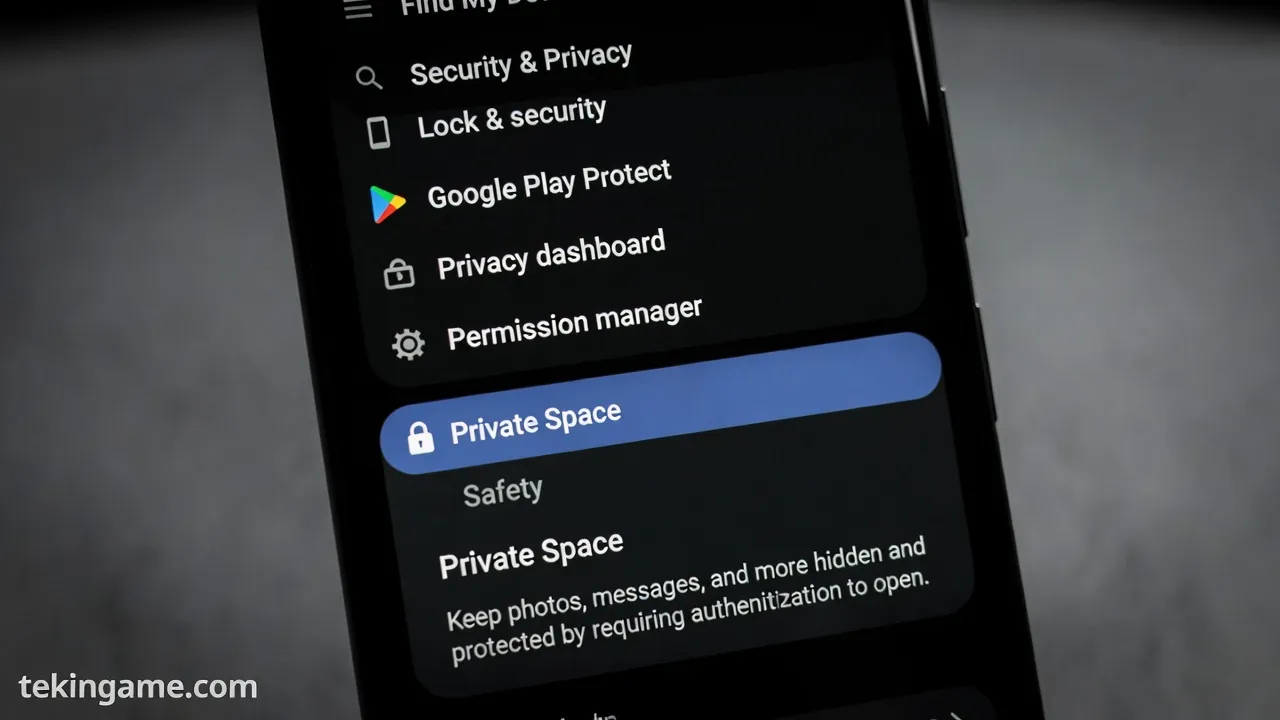
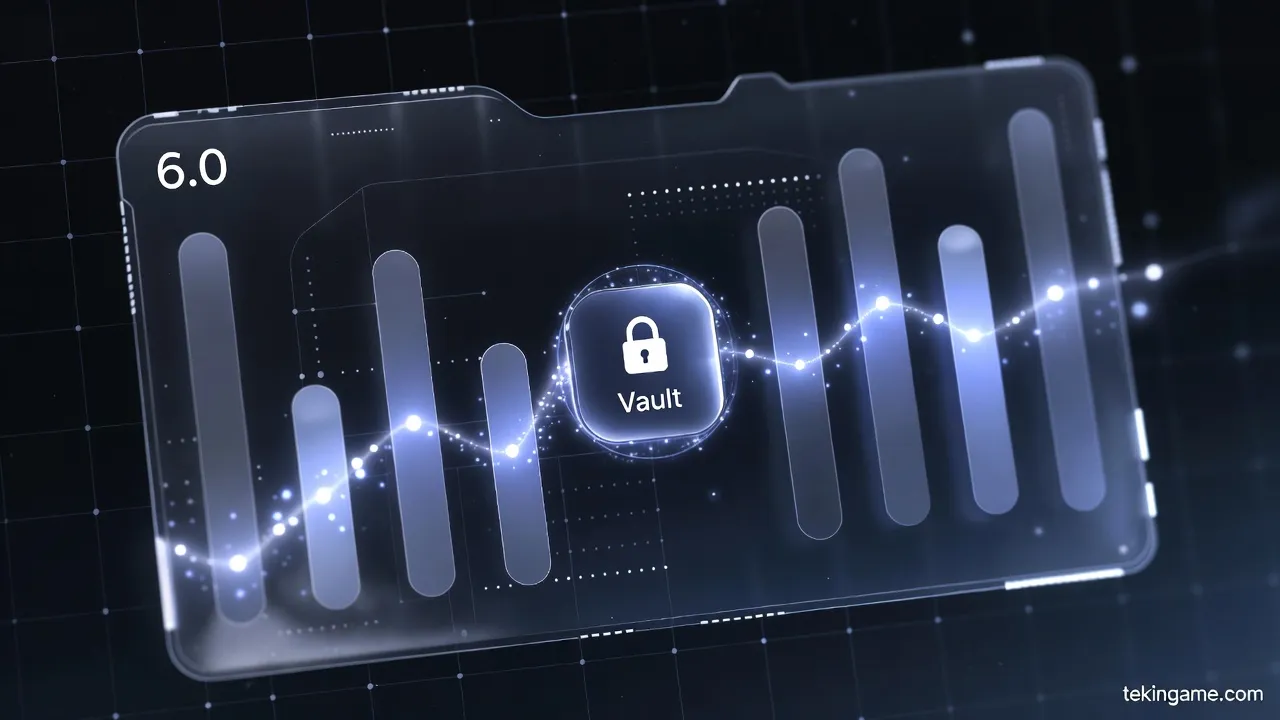
It’s not just a folder; it’s a separate, sandboxed profile that hides your apps from the drawer, settings, and notifications. Let’s dive into how to use it on Android 15 and the upcoming Android 16.
2. How it Works: The Sandbox Architecture
📚 Classified & Related Dossiers in TekinGame
If you wish to explore beyond this report and delve into cybernetic frontiers and autonomous AI architectures, do not miss these three exclusive deep-dives in the Tekin Garage:
Private Space creates an isolated profile. Apps inside have no contact with your main data. When locked, they simply don't exist in the UI. Android 16 (Baklava) adds a dedicated 'Add' button for seamless file transfers, making it easier than ever to secure your data Alvarado.
3. Step-by-Step Setup
1. Go to Settings > Security & Privacy. 2. Tap Private Space and follow the onboard. 3. Use a separate Google Account for total isolation. 4. Set a unique PIN/Fingerprint.
4. Hiding the "Private Space" Itself
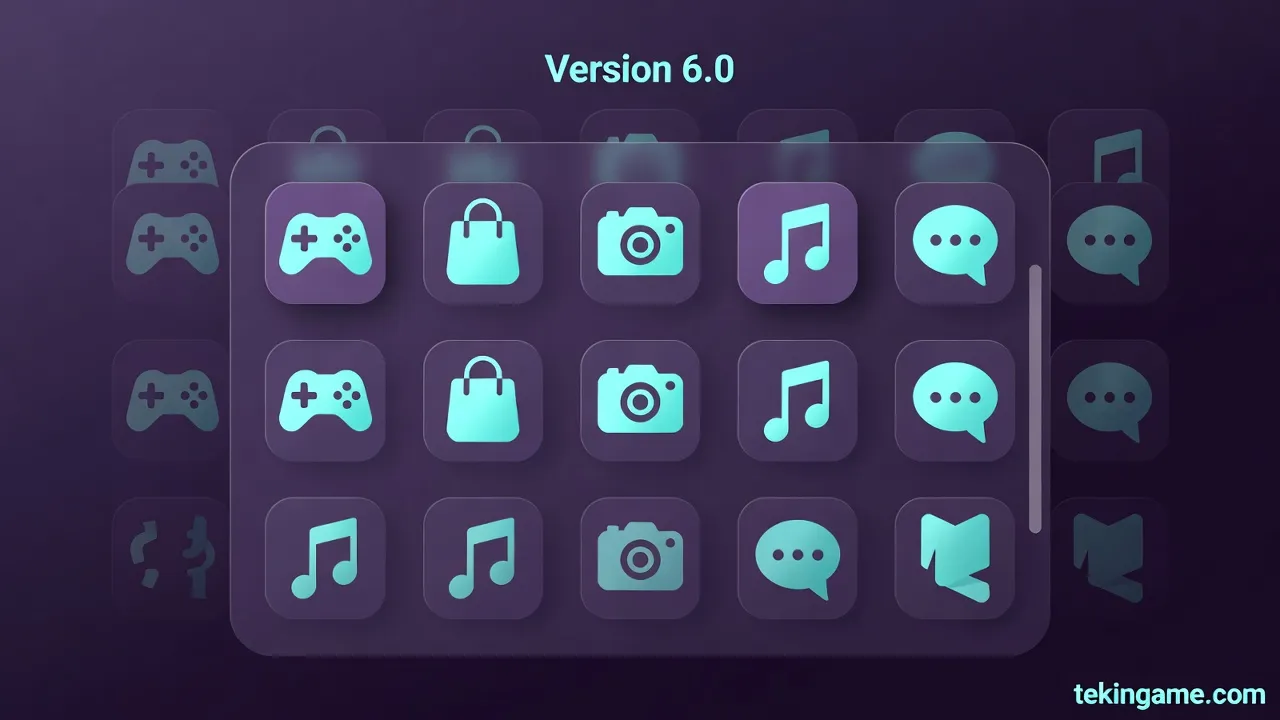
For maximum stealth, you can hide the Private Space bar from your App Drawer. To find it, you’ll need to search for it by name in the search bar. This adds a layer of 'Security through Obscurity' that is highly effective.
Conclusion: The Future of Mobile Privacy
Private Space is the best security feature in years. It’s built into the kernel, making it far superior to third-party app lockers. Secure your banking apps today!
Author: Majid (with Inspector Gemini)
🌐 Stay Connected With Us 🎮✨
For the latest tech, gaming, and gadget news, follow us on our official social media channels: